The Stress-Free Guide to Taking Baby Passport Photos at Home (Without Tears)
By Emily Carter | Published on: September 22, 2025
Abstract: Taking a passport photo for a baby at home can feel impossible. This guide transforms the stressful task into a simple one by explaining the relaxed official rules for infants, providing a step-by-step 'car seat hack' for the perfect shot, and showing how AI can guarantee a compliant photo without any tears. Learn how to succeed with this stress-free DIY method.
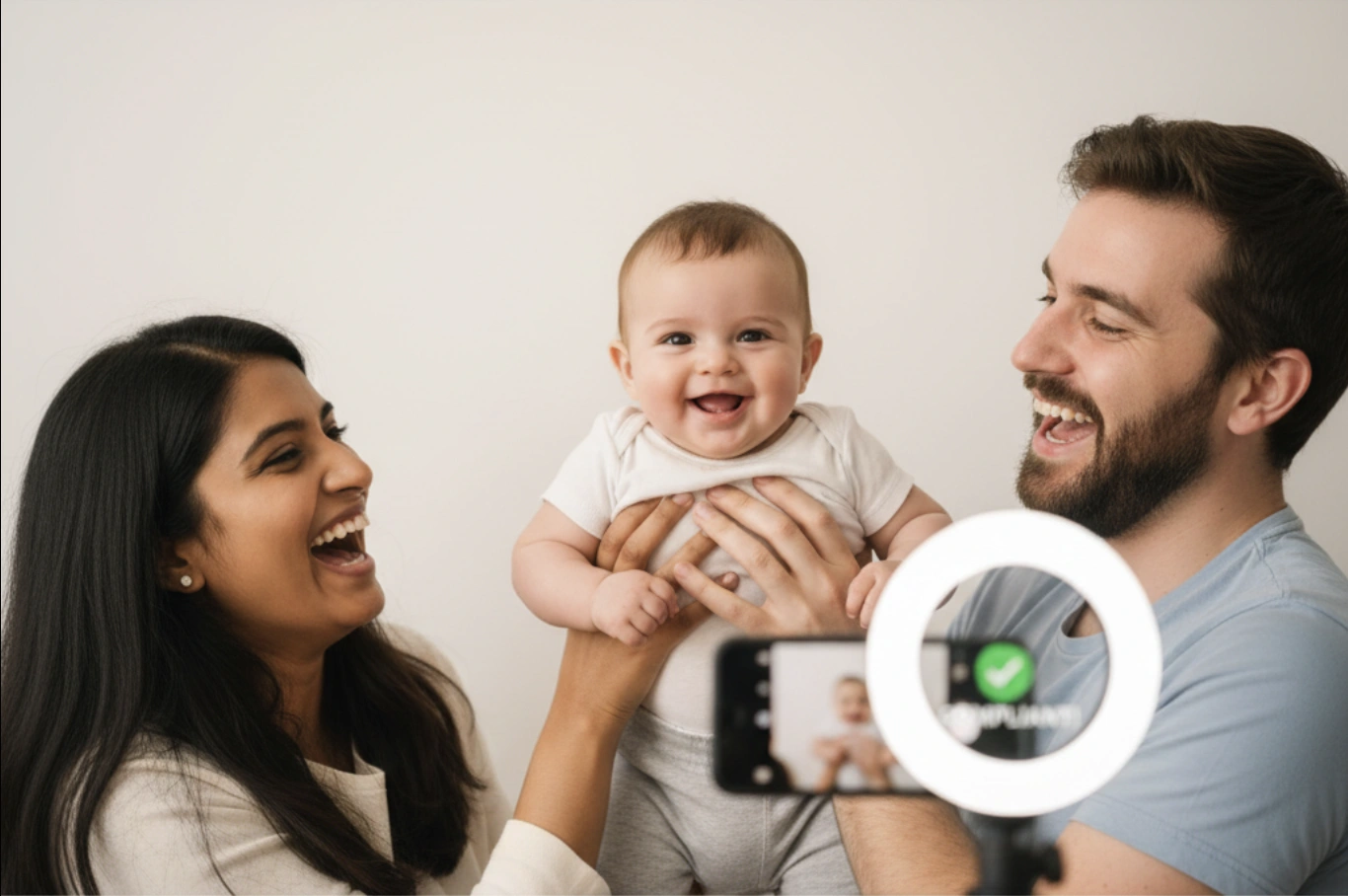
If you've ever tried to take a photo of a baby, you know the challenge: getting them to stay still, look at the camera, and not cry is a monumental task. Now, imagine trying to do that while following strict government rules. It’s no wonder so many parents dread the infant passport photo, a service that competitors often highlight as a difficult, must-have professional service.
But here's the good news: the official rules for baby passport photos are more relaxed than for adults, and with a few simple tricks, you can absolutely get a compliant photo at home—without a single tear.
Official Rules for Infant Photos
The U.S. Department of State understands that babies are not professional models. As a result, they've made a few key exceptions for the official **newborn passport photo requirements**, which you can verify on their official photo guidelines page:
It is acceptable if an infant's eyes, particularly a newborn's, are not entirely open or are not looking directly at the camera. A neutral expression is also not required.
However, other core rules still apply: the photo must be taken against a plain white background, with no other people, and without shadows on the face.
Step-by-Step Guide to the Perfect Shot
Best Time & Place
Timing is everything. The ideal moment for your photoshoot is right after a nap and a feeding, when your baby is most likely to be calm and content. Choose a room with plenty of bright, indirect natural light. As the American Academy of Pediatrics often advises for any activity with a newborn, a calm environment is key. Place your baby facing the window to illuminate their face evenly and avoid harsh shadows.
The Car Seat Hack
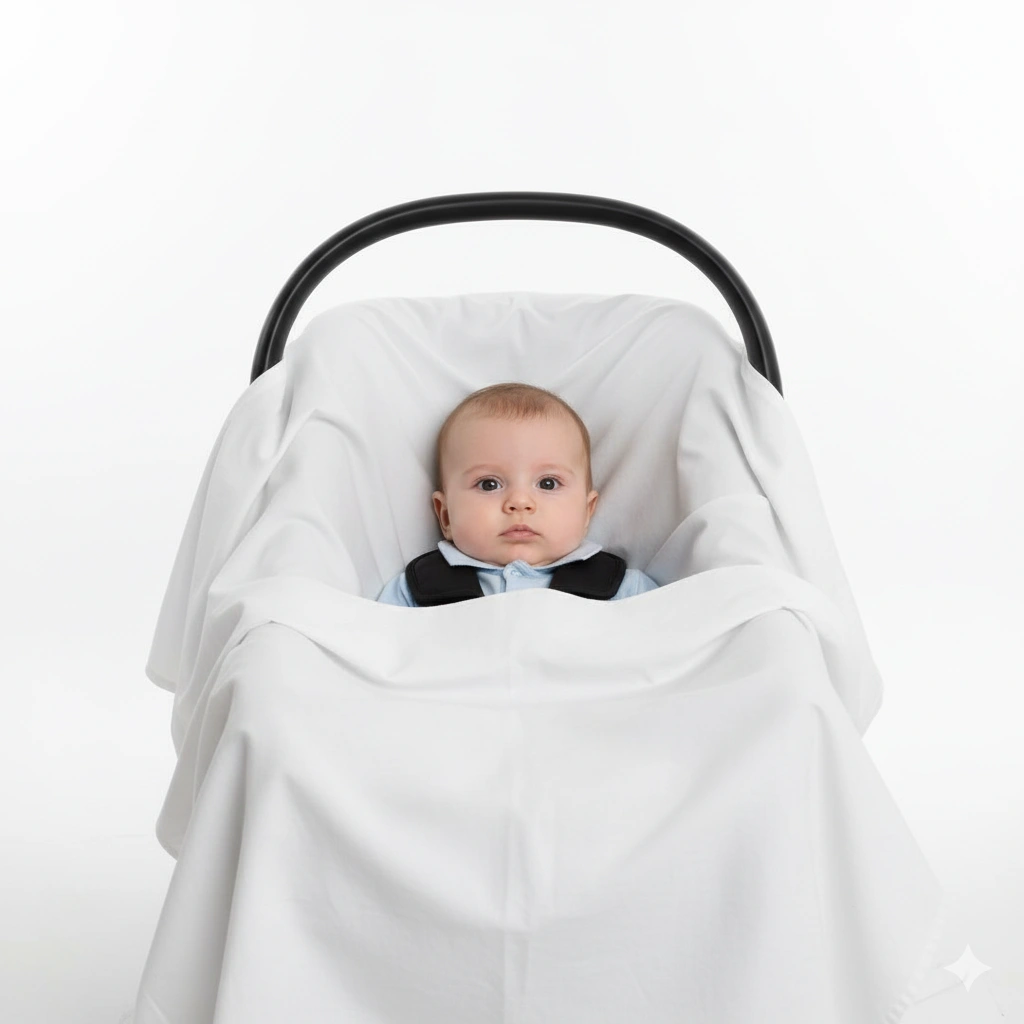
This is the single most effective trick for a successful **baby passport photo at home**. Instead of trying to hold your baby up against a wall, use a car seat:
- Take the car seat into the room with the best natural light.
- Drape a plain, smooth white sheet or poster board over the car seat, creating a compliant background.
- Safely place your baby in the seat. Their head will be supported, and they'll be in a secure, comfortable position.
Getting Their Attention & Taking the Shot
To get your baby to look toward the camera, have another person stand behind you and jingle a quiet toy or make a soft sound. Once your baby is looking in the right direction, use your phone's "burst mode" by holding down the shutter button. This will capture dozens of photos in a few seconds, dramatically increasing your chances of getting one perfect, compliant shot.
Skip the stressful photo booth trip.
Take a quick snap of your baby at home, and we'll make it perfectly compliant.
Try It Now & Save the StressHow Our Tool Makes It Easy
You've captured the photo, but what about your hands in the shot holding up the sheet? Or the fact that the baby is slightly off-center? This is where technology turns a good-enough photo into a perfect one.
Simply upload your best shot from the burst, and our tool handles the rest:
- Auto Background Removal: Our AI instantly removes the car seat, your hands, and anything else in the background, replacing it with a perfectly uniform white backdrop.
- Perfect Cropping: The system identifies the baby's face and automatically crops the photo to the exact 2x2 inch dimensions with the correct head size, guaranteeing compliance.
Conclusion: A Passport Photo in a Snap
Taking a baby passport photo doesn't have to be an expensive, tear-filled ordeal. By using these simple hacks and the power of AI, you can capture a compliant image during a moment of calm in your own home. You save time, money, and most importantly, stress, leaving more room for excitement about your family's first trip together. For more general travel tips with children, resources like the TSA's guide to traveling with children are invaluable.
Frequently Asked Questions
How do I take a passport photo if my newborn can't support their head?
This is exactly why the car seat hack is so effective. The car seat provides the necessary head and neck support safely. You can also roll up small blankets to place on either side of the baby (under the white sheet) for extra stability.
What should my baby wear for their passport photo?
Simple is best. Dress your baby in a plain, everyday outfit with a round neckline. Avoid anything with hoods, large collars, or busy patterns. Do not use hats, bows, or any head coverings unless for documented religious reasons.
Can baby be asleep in a passport photo?
While the rules are relaxed, the official guidance states both eyes should be open if possible. It is acceptable for a newborn's eyes to be only partially open, but a photo with fully closed eyes may be rejected. It's best to try and take the photo when they are awake and calm.
Can I just hold my baby for the photo?
No, no other person can be visible in the photo, which means your hands or arms cannot appear. If you need to support the baby, your hands must be hidden under their clothing or a blanket. This is another reason the car seat hack is the recommended method.
Are DIY baby passport photos actually accepted?
Yes, completely. There is no rule against taking your own photo. The only thing that matters is that the final photo meets all the official requirements. A compliant DIY photo is just as valid as one from a professional service.
Do babies need their own passport to travel internationally?
Yes. Every U.S. citizen, regardless of age (including newborns and infants), must have their own valid passport to travel internationally by air.
Related Articles
The True Cost of a Passport Photo: Walgreens vs. CVS vs. Online Tool
A comprehensive cost-benefit analysis of the three main choices: in-store services and the pure DIY method, and modern online tools.
Top 10 Reasons Your Application Was Denied
Avoid rejection with simple steps for a compliant photo.