The True Cost of a Passport Photo: Walgreens vs. CVS vs. Our Online Tool
By Emily Carter | Published on: September 23, 2025
Abstract: When determining the best passport photo option, the sticker price is only part of the story. This article provides a comprehensive cost-benefit analysis of the three main choices: traditional in-store services like CVS and Walgreens, the pure DIY method, and modern online tools. We compare them on the "true cost"—a mix of price, time invested, and risk of rejection—to help you find the cheapest, fastest, and most reliable solution.
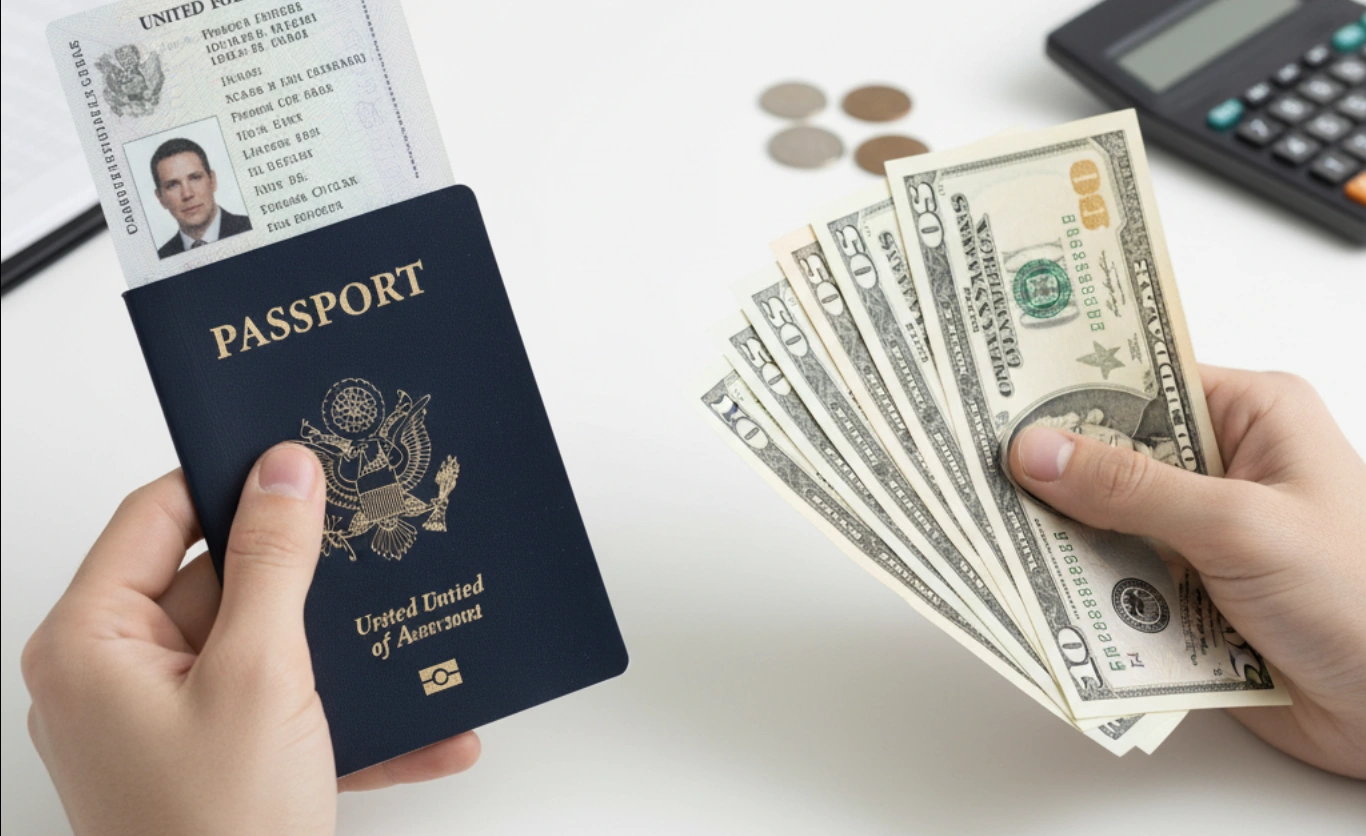
When it comes to passport photos, you have options. But which one is truly the best value? It's not just about the sticker price; it's about the "true cost"—a combination of money, time, and the risk of rejection. For the frugal traveler, making the right choice can save you both a headache and a surprising amount of cash. Let's break down the three main paths to getting that all-important photo.
Option 1: In-Store Services (Walgreens, CVS, Post Office)
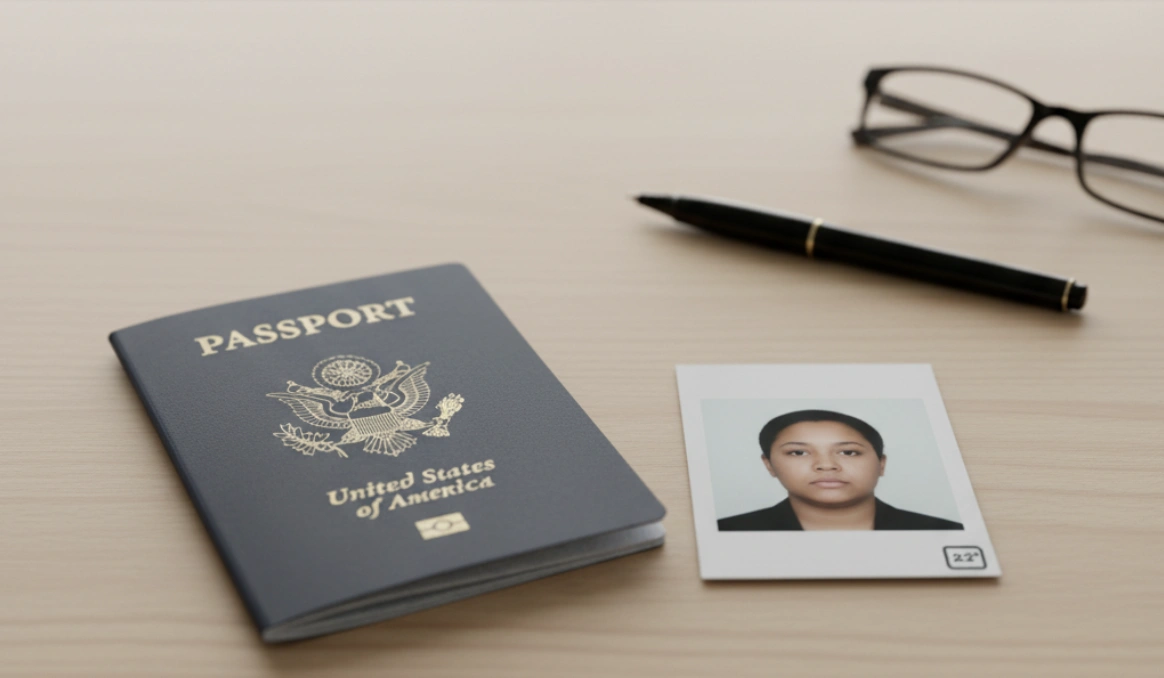
This is the traditional, go-to method for millions. You walk into a local pharmacy like Walgreens or CVS, an employee snaps your picture against a pull-down screen, and you walk out with two photos a few minutes later.
Pros
- Convenient: It's a "one-and-done" service that requires minimal effort on your part.
- Done by an Employee: There's a sense of security in having someone else handle the process.
Cons
- Expensive: The **Walgreens passport photo price** is typically **$16.99**, with CVS being similar. This is by far the priciest option.
- Inconsistent Quality: The lighting is often harsh, and employees may not be trained photographers.
- No Control: You get what you get. If you blink or don't like the photo, you often have to pay again for another attempt.
Option 2: The Pure DIY Method
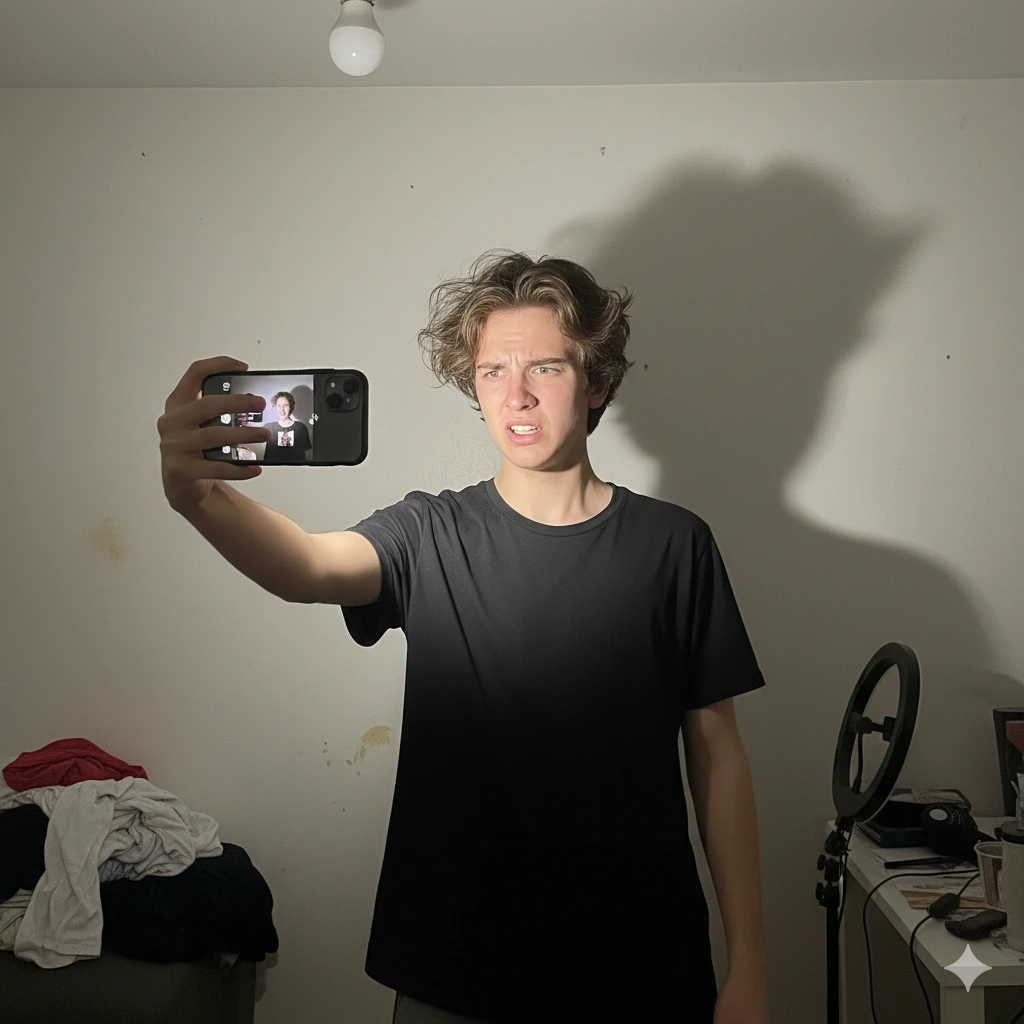
Armed with a smartphone and a can-do attitude, many people attempt the purely do-it-yourself route. The goal is to take, edit, and format the photo entirely on your own, then print it for pennies.
Pros
- Cheapest Option: The final cost can be **under $1** for a 4x6 print at a local kiosk.
Cons
- High Risk of Rejection: As we covered in our guide to DIY fails, it's incredibly difficult to meet the strict background, lighting, and sizing rules.
- Time-Consuming: What seems quick can turn into hours of setup and editing.
- Technically Challenging: Requires knowledge of photo editing software to crop and format correctly.
Option 3: The Hybrid Solution (Our Tool)
This modern approach combines the low cost of DIY with the compliance guarantee of a professional service. You take the picture with your phone, and the online tool handles all the technical requirements.
Pros
- Cost-Effective: The total cost is typically **under $5**, including the print. This is the best way to get **cheap passport photos** without the risk.
- Guaranteed Compliance: The AI automatically ensures every rule is met.
- Unlimited Retakes: Take as many photos as you want until you get one you love.
- Fast & Convenient: Get a perfect photo from the comfort of your home in minutes.
Cons
- Requires You to Take the Picture: You still need to snap a clear, well-lit photo with your phone.
Get the best of both worlds.
Professional quality and guaranteed acceptance at a fraction of the in-store price.
Create Your Photo NowConclusion & Comparison Table
So, what's the verdict? While in-store services offer convenience, they come at a high price. Pure DIY is cheap but fraught with risk and hassle. The hybrid solution offers the ideal balance, delivering a compliant, professional-quality photo for a fraction of the cost.
| Method | Cost | Time | Risk of Rejection |
|---|---|---|---|
| In-Store (CVS/Walgreens) | $15 - $20 | 10-15 Mins | Low |
| Pure DIY | < $1 | 1-2 Hours | High |
| Our Online Tool (Hybrid) | < $5 | 5 Mins | Very Low |
Frequently Asked Questions
How much are passport photos at the Post Office (USPS)?
The cost for a passport photo at a USPS facility is typically around $15. It's comparable to other in-store services and is convenient if you are already there to submit your application, but it is still one of the more expensive options.
What's the difference between passport photo online vs in-store?
The main differences are cost, control, and convenience. In-store services are fast but expensive with little control over the photo. Online tools are much cheaper, give you unlimited attempts to get a photo you like, and can be used from home, but require you to print the final photo yourself.
Can I use a coupon for passport photos at Walgreens or CVS?
Sometimes. Both stores occasionally offer coupons, but they are rare and often still result in a price well over $10. The most reliable way to save is to use an online tool and print the 4x6 template, which is always cheap.
Is the photo quality from an online tool as good as in-store?
Yes, and often better. In-store photos rely on basic cameras and often have poor lighting. Our tool processes your high-resolution phone photo, enhances the lighting, and provides a perfectly sharp and compliant digital file, which results in a superior quality print.
How to get cheap passport photos without risk?
The best way is the hybrid method. Use a trusted online passport photo tool to ensure your photo is compliant (removing the risk of rejection), then print the provided 4x6 template at a local store. This gives you the lowest possible price with the highest chance of success.
Where is the cheapest place to print passport photos?
Once you have your 4x6 template from our tool, the cheapest places to print are typically large retailers like Walmart, Target, or warehouse clubs like Costco. Most offer 4x6 prints for well under 50 cents.