The DIY Passport Photo Trap: How to Actually Succeed (Without Wasting Hours)
By Emily Carter | Published on: September 21, 2025
Abstract: Taking a passport photo at home seems like a great way to save money, but it's filled with hidden challenges that often lead to rejection and wasted time. This guide breaks down the three biggest DIY hurdles—achieving a compliant setup, meeting precise cropping requirements, and correctly formatting for printing. Discover how to overcome these obstacles by adopting a "smarter DIY" method that combines the convenience of your phone with the power of AI.
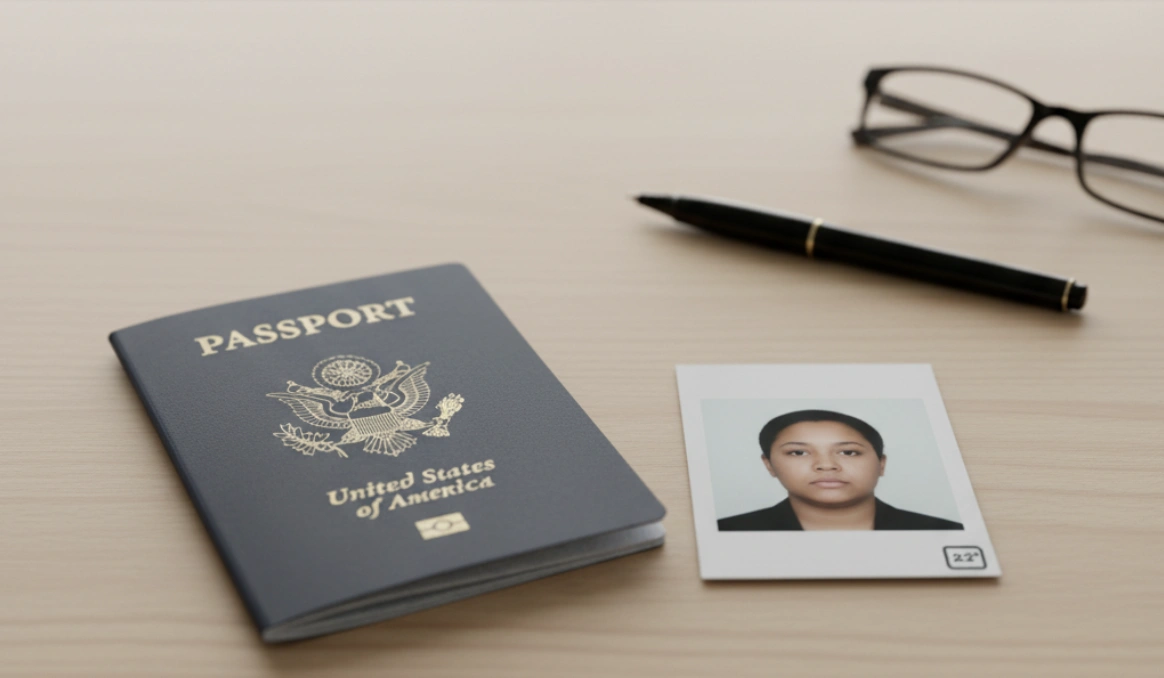
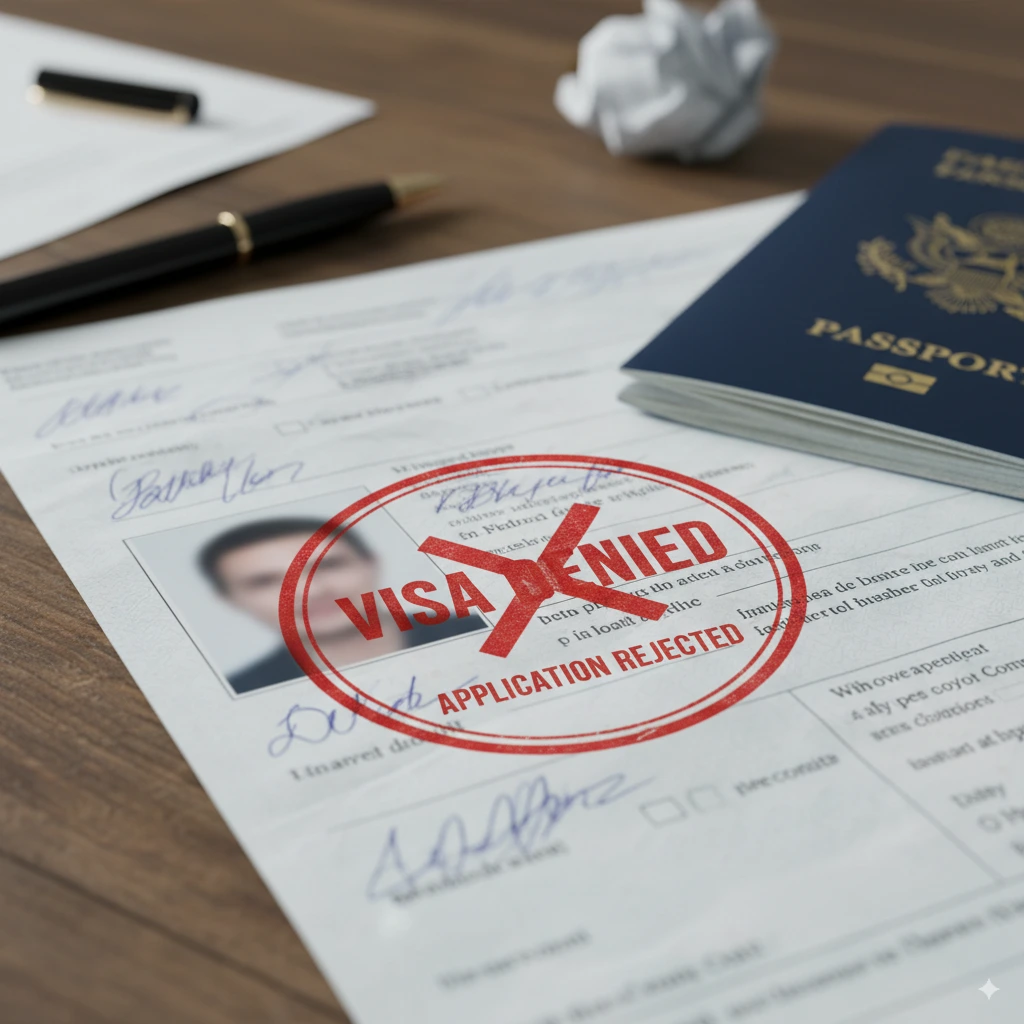
Why pay $15 to $20 for a simple passport photo at a pharmacy when you have a high-quality camera right in your pocket? The appeal of a DIY passport photo is obvious: it’s cheap and convenient. But as thousands of hopeful travelers discover each year, the path is littered with frustrating, time-consuming, and surprisingly complex challenges. What seems like a five-minute task can easily turn into an afternoon of wasted effort.
This guide isn't here to discourage you. It's here to show you how to navigate the DIY trap and succeed.
The DIY Challenge 1: The Perfect Setup
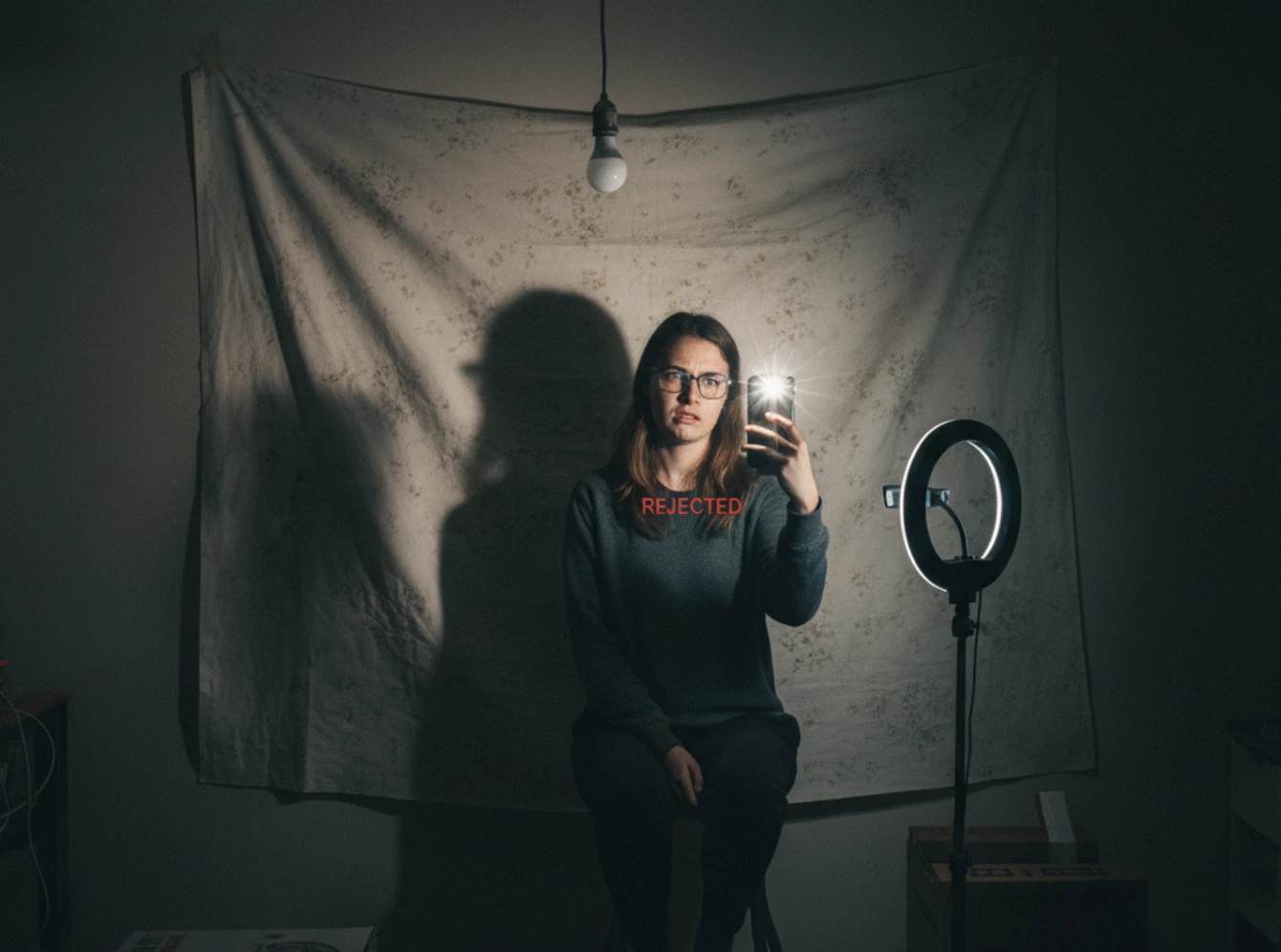
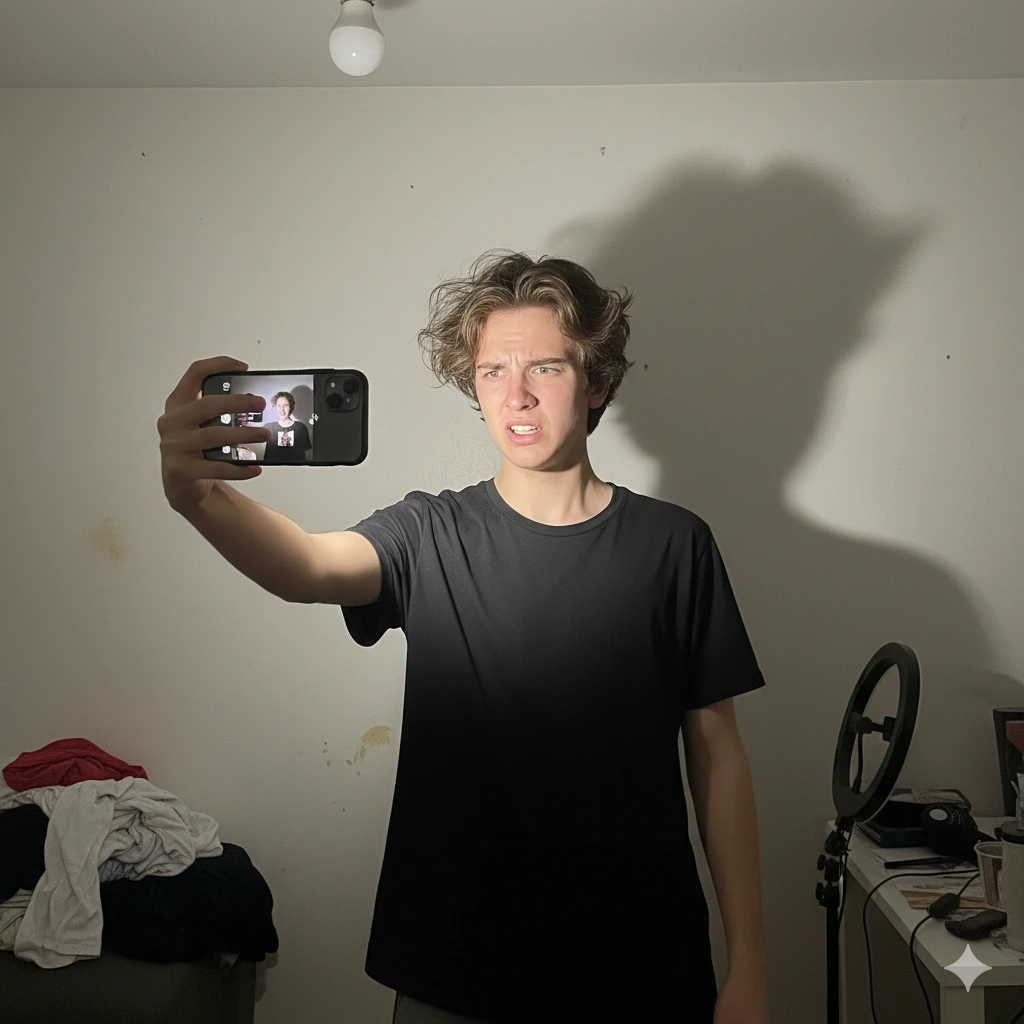
The first hurdle is creating a mini photo studio in your home. Government regulations demand a plain, white or off-white background with zero shadows on your face or behind you. This is harder than it sounds. For a deep dive into home photography lighting, resources like Digital Photography School offer excellent tips on using natural light.
- The Background Problem: Most walls aren't pure white. They're eggshell, beige, or have textures that are forbidden. Many DIYers resort to taping a white poster board or bedsheet to the wall, which can create its own wrinkles and seams.
- The Shadow Demon: Your home's overhead lighting is your worst enemy. It casts distracting shadows under your eyes and nose. Achieving the flat, even lighting required often means balancing multiple lamps and hoping for the best.
The DIY Challenge 2: The Precision Problem
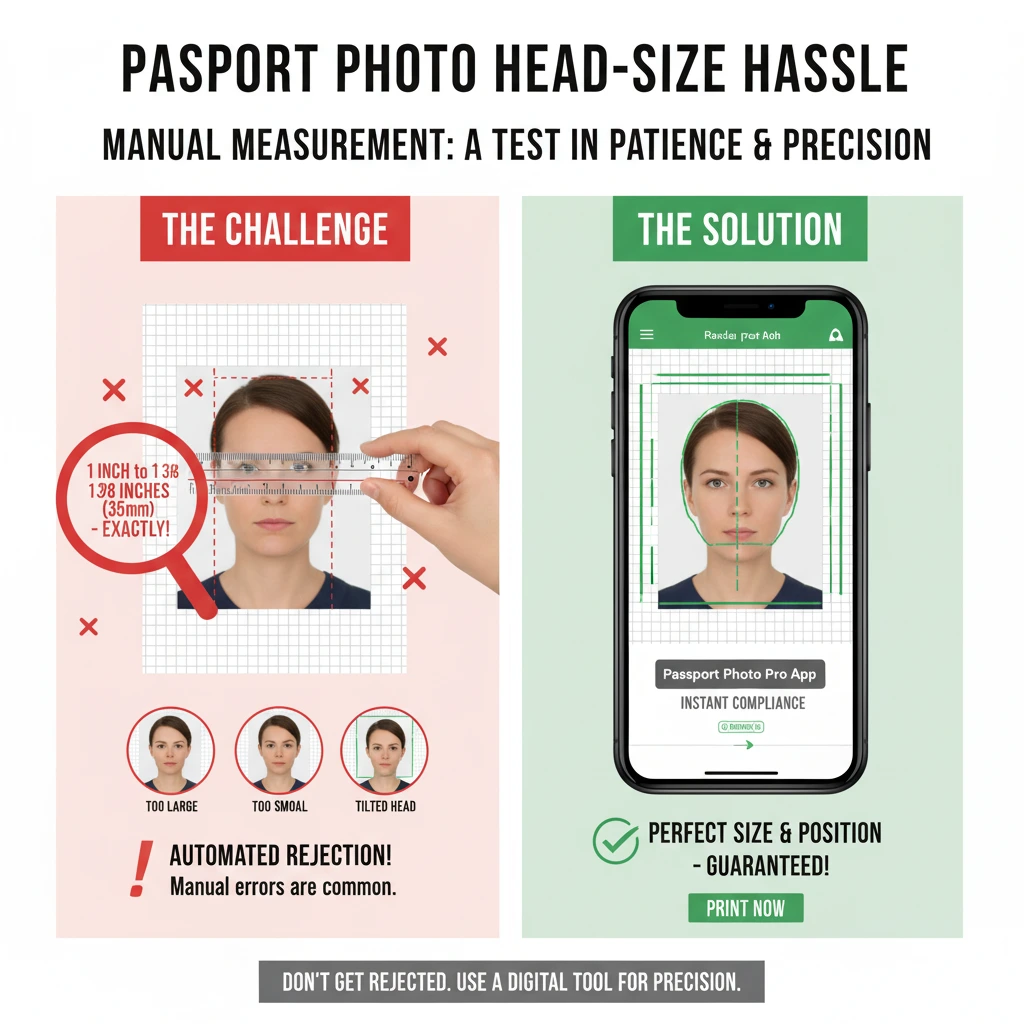
Let's say you've mastered the setup and have a great picture. Now comes the technical part. As the U.S. Department of State website makes clear, passport photos have brutally specific measurements. The photo must be 2x2 inches, but more importantly, your head within that photo must be between 1 and 1 3/8 inches from chin to crown. Manually cropping a photo to these exact digital specifications without specialized software is a recipe for rejection.
"I spent an hour in Photoshop trying to get my head the right size. When I printed it, the whole thing was off by a fraction of an inch and got rejected." — A common DIY complaint
The DIY Challenge 3: The Printing Nightmare
You’ve got a perfectly cropped digital file. Now what? You can't just print a 2x2 inch photo. To get it printed at a local store for just a few cents, you need to format it onto a standard 4x6 inch print template. Major retailers like CVS Photo offer cheap 4x6 prints, but they require you to upload a correctly formatted file. This involves placing two or more passport photos onto a larger canvas, ensuring no quality is lost. One small error can result in a print that's the wrong size, wasting your money and time.
Love the savings of DIY but hate the hassle?
Perfect your photo with our tool and print for pennies at your local store.
Try the Smarter DIY MethodThe "Smarter DIY" Path: Your Missing Piece
Here’s the secret: you don’t have to abandon the cost savings of DIY. You just need to eliminate the parts that cause failure. The "Smarter DIY" approach means you handle the easy part—taking the photo with your phone—and let technology handle the hard parts.
Our tool is the missing piece of the DIY puzzle. Here's how it solves every challenge:
-
Perfect Setup, Instantly: Don't worry about the background. Take your photo anywhere, and our AI will automatically remove the background and replace it with a compliant, pure white one.
-
Precision, Guaranteed: Our system automatically detects your face and crops the image to the exact government specifications, ensuring your head size is perfect every time.
-
Printing, Solved: Once your photo is compliant, we provide you with a perfectly formatted 4x6 inch sheet, ready to be printed at any photo kiosk for less than a dollar.
Conclusion: The Best Way to DIY
Taking your own passport photo is a great way to save money, but it shouldn't come at the cost of your time and sanity. The true path to DIY success isn't about becoming a lighting expert or a Photoshop pro. It's about using the right tools for the job.
Frame it this way: our tool isn't an alternative to DIY. It's the best way to do it right. You still get the satisfaction and savings of doing it yourself, but with the confidence and guarantee of a professional service.
Frequently Asked Questions
Is it actually cheaper to use a tool and print myself?
Yes, significantly. A professional service charges $15-$20. Using our tool plus a 4x6 print from a store like Walmart or CVS typically costs less than $5 in total, saving you over 60-70%.
What kind of photo should I take with my phone for best results?
Stand a few feet away from your phone's camera (have a friend help if possible) and face a window for soft, natural light. Don't worry about the background, as our tool will replace it. Just focus on a clear, well-lit shot of your face.
Are DIY passport photos legal and accepted?
Yes, completely. There is no rule against taking your own photo. The only thing that matters is that the final photo meets all the official requirements. A compliant DIY photo is just as valid as one from a professional service.
What camera settings should I use on my phone?
Use your phone's standard rear-facing camera (not the selfie camera, which is often lower quality). Do not use portrait mode, filters, or any other special effects. Turn the flash off if you are using good natural light to avoid glare.
What if I only have a colored wall at home?
That's the advantage of the "smarter DIY" method. The AI in our tool will automatically detect and remove your original background, replacing it with a perfectly compliant white one, so the color of your wall doesn't matter.
Can I get a digital copy for online applications?
Yes. Our tool provides both a digital photo file that meets online submission standards (correct dimensions, file size, and format) and the 4x6 printable template for physical applications.