The 2025 Ultimate Guide to U.S. Passport Photos: Every Rule, Explained
By Emily Carter | Published on: September 19, 2025
Abstract: Navigating U.S. passport photo rules can be complex. This 2025 guide demystifies every requirement, from photo dimensions and digital specifications to attire and infant photo tips, helping you submit a compliant photo and avoid application delays.
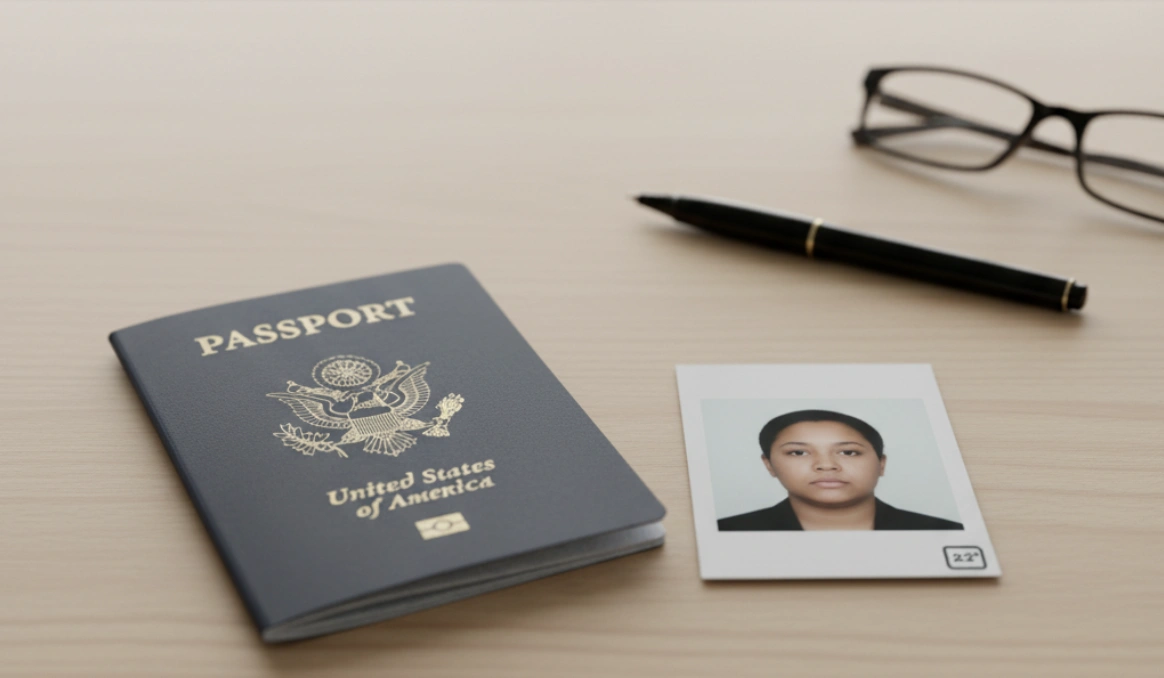
Did you know that a bad photo is one of the top reasons U.S. passport applications get delayed? It’s a frustratingly common problem that can turn your travel excitement into a bureaucratic headache. But it doesn't have to be that way. This guide will walk you through every official U.S. passport photo requirement for 2025, ensuring your application sails through without a hitch.
Physical Photo Specifications
If you're submitting a physical photo with Form DS-11, it must meet several strict criteria. These rules ensure the photo is high-quality and can be used for years to come.
- Size: The photo must be exactly 2 x 2 inches (51 x 51 mm). Your head, from the bottom of your chin to the top of your head, must be between 1 and 1 3/8 inches (25 and 35 mm).
- Paper Type: Print your photo on either matte or glossy photo-quality paper. Standard printer paper is not acceptable.
- Quality: The photo must be recent (taken within the last 6 months), in color, and free of damage like creases, smudges, or holes. It must not be altered or retouched in any way that changes your appearance.
| Requirement | Specification |
|---|---|
| Dimensions | 2 x 2 inches (51 x 51 mm) |
| Head Size | 1 to 1 3/8 inches from chin to top of head |
| Paper | Matte or glossy photo paper |
Digital Photo Specifications
Submitting your renewal online? The rules for digital photos are just as precise. As the U.S. Department of State clarifies, your digital image must be in JPEG format and meet specific technical criteria to be accepted by the online portal.
- Dimensions: The image must be a perfect square, measuring between 600x600 pixels and 1200x1200 pixels.
- File Size: The file must be less than 240 kilobytes (KB). Larger files will be rejected.
- File Format: Only the JPEG format is accepted.
Feeling overwhelmed by the rules?
Let our AI-powered tool handle the details. Create a guaranteed-compliant U.S. passport photo in minutes.
Create Your Passport Photo NowThe "Perfect Pose" Checklist
How you present yourself in the photo is crucial. The goal is to provide a clear, unobstructed view of your face. Follow this checklist for a flawless pose.
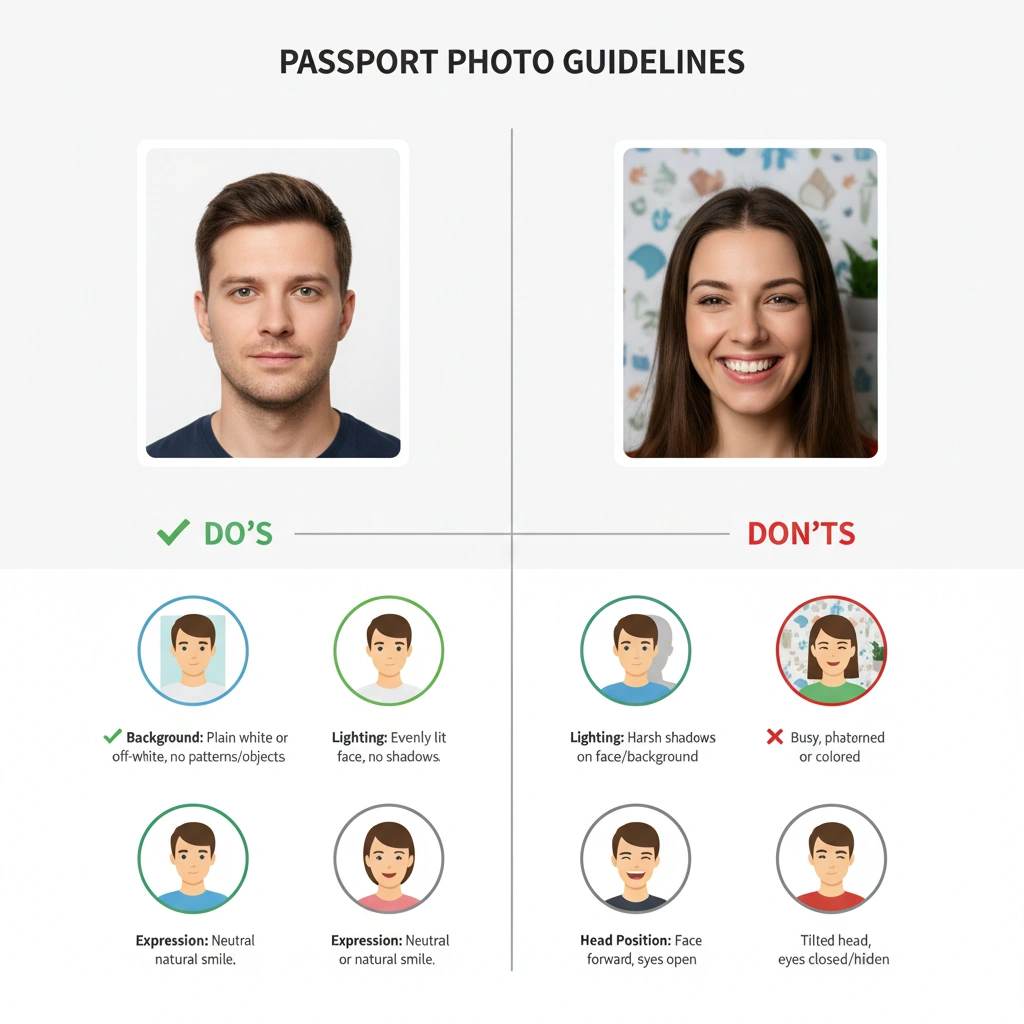
- ✅ Background: Stand in front of a plain white or off-white background. No patterns or objects.
- ✅ Lighting: Ensure even lighting with no shadows on your face or in the background.
- ✅ Expression: A neutral expression or a gentle, natural smile is required.
- ✅ Head Position: Face the camera directly. Both eyes must be open and clearly visible.
Attire & Accessories Deep Dive
What you wear matters. The general rule is to avoid anything that might obscure your face. While these rules are for official documents, understanding them can also help when choosing what to wear for a professional headshot.
Glasses
As of 2016, eyeglasses are no longer allowed in U.S. passport photos. You must remove them. The only exception is if you cannot remove them for medical reasons, in which case you must provide a signed doctor's note with your application.
Hair and Jewelry
Your hair must not cover your face or cast shadows. While small jewelry is generally acceptable, it's best to avoid large pieces that could cause glare.
"Hats or head coverings are not allowed, unless worn daily for religious or medical purposes. Even then, your full face must be visible, and the covering cannot cast shadows on your face." — U.S. Embassy Official Guidelines
Special Section: Infant & Child Photos
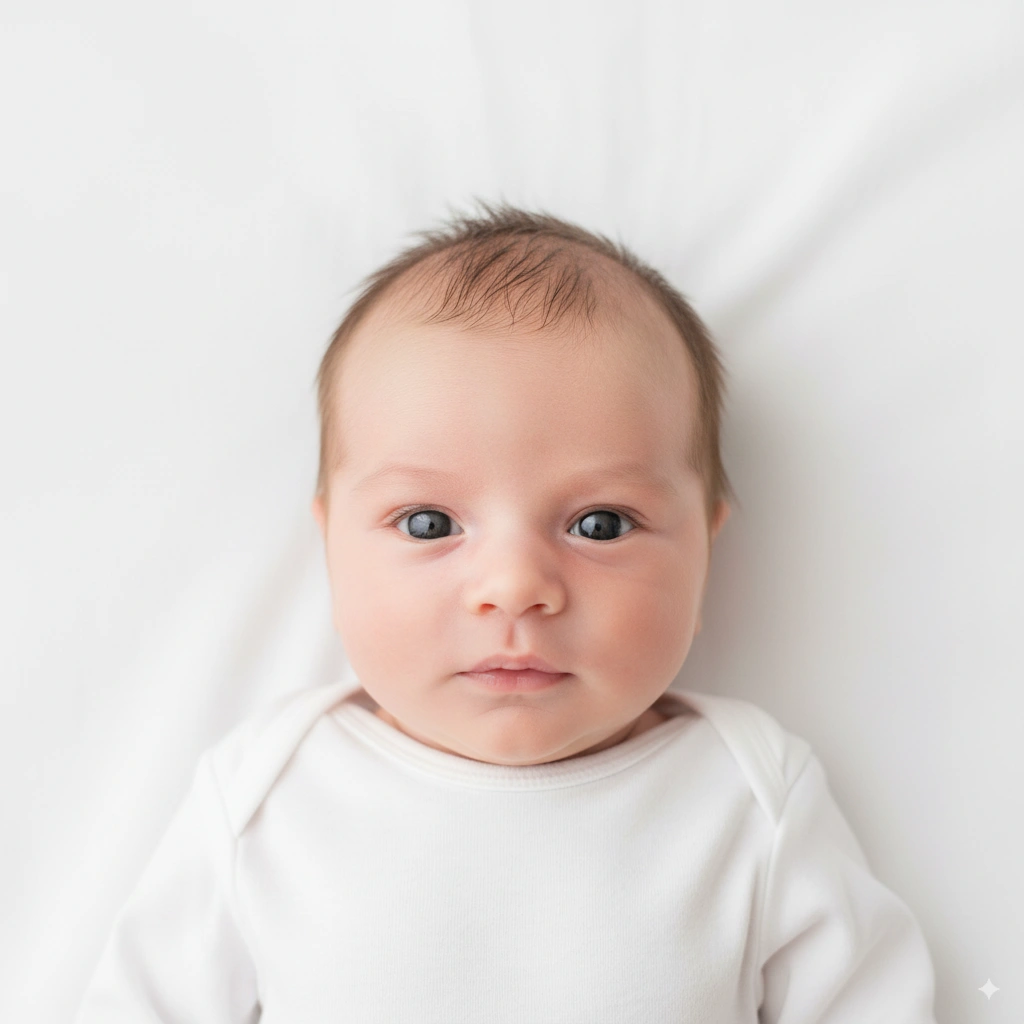
Getting a compliant photo of a baby can be a challenge, and the government acknowledges this with slightly more lenient rules.
- It is acceptable for an infant's eyes not to be fully open or perfectly centered.
- A common trick is to lay the baby on a plain white sheet and take the photo from above.
- No pacifiers are allowed.
Frequently Asked Questions
Can I smile in my passport photo?
Yes, as of 2025, a "natural, unexaggerated smile" is acceptable. However, a neutral expression with both eyes open is the safest bet to ensure compliance.
Can I take my passport photo with my phone?
Absolutely! You can take a photo with your phone, but you must ensure it meets all the lighting, background, and head-sizing rules. Using a tool to automatically format it is the best way to guarantee it will be accepted.
What is the most common reason for photo rejection?
The most common reasons are improper lighting (shadows on the face or background), incorrect head size within the frame, and a non-compliant background (e.g., textured walls or visible objects).
How long is a passport photo valid for?
Your passport photo must have been taken within the last 6 months to reflect your current appearance. Using an old photo is a common reason for rejection.
Do I need a new photo if my appearance changed?
If your appearance has changed significantly (e.g., major surgery, significant weight loss/gain, new tattoos on your face), you will need to apply for a new passport with a new photo that reflects your current look.
Conclusion: Your Key to a Smooth Application
Getting your passport photo right is the first step to a successful application. By following these 2025 guidelines, you can avoid common pitfalls and prevent frustrating delays. For any specific or unusual cases, always refer to the official U.S. Department of State website as the primary source of truth.
To recap, remember these key points:
- Check the Specs: Ensure your photo meets the exact size and quality requirements.
- Master the Pose: White background, no shadows, and a neutral expression are non-negotiable.
- Accessorize Wisely: No glasses, and keep hair away from your face.
Ready to get started? Use our smart tool to do the work for you. It automatically adjusts your photo to meet every official requirement, giving you a perfect, compliant passport photo in seconds.
Related Articles
The True Cost of a Passport Photo: Walgreens vs. CVS vs. Online Tool
A comprehensive cost-benefit analysis of the three main choices: in-store services and the pure DIY method, and modern online tools.
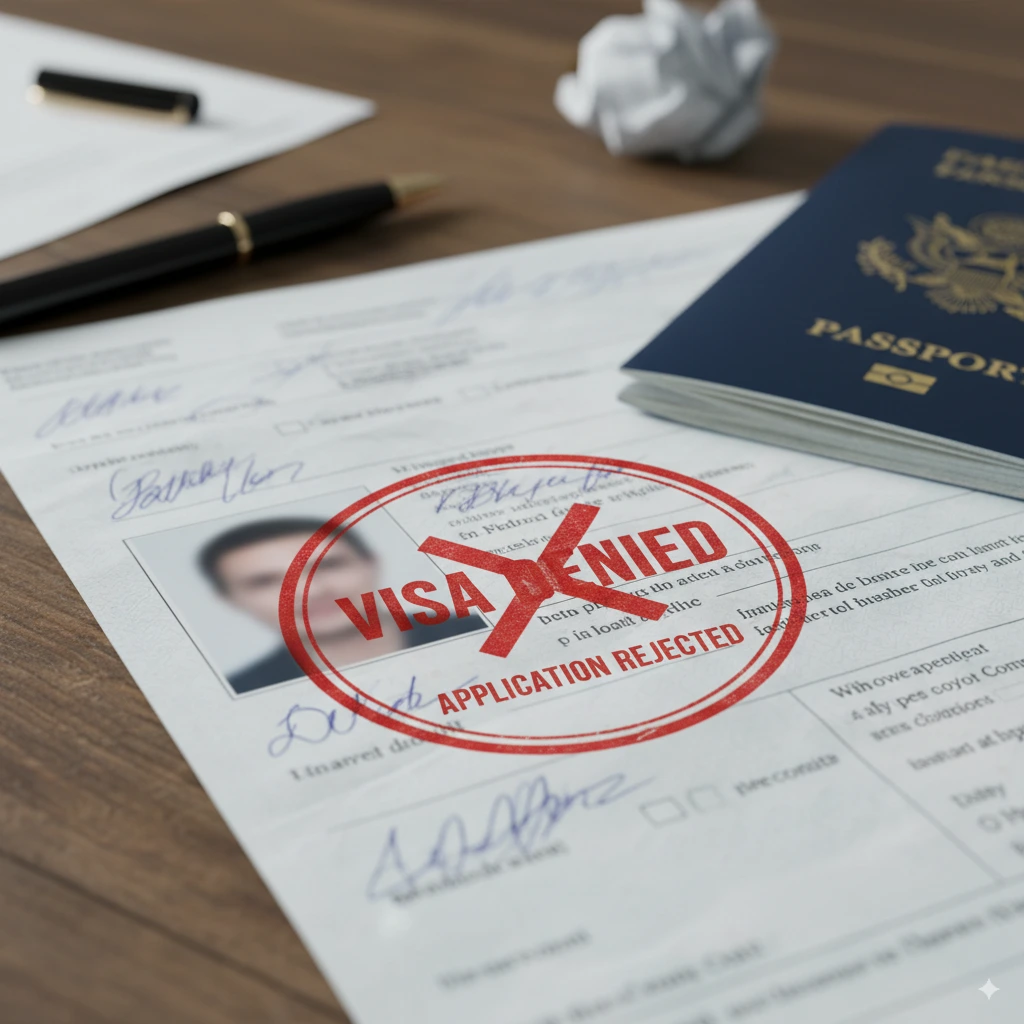
Top 10 Reasons Your Application Was Denied
Avoid rejection with simple steps for a compliant photo.