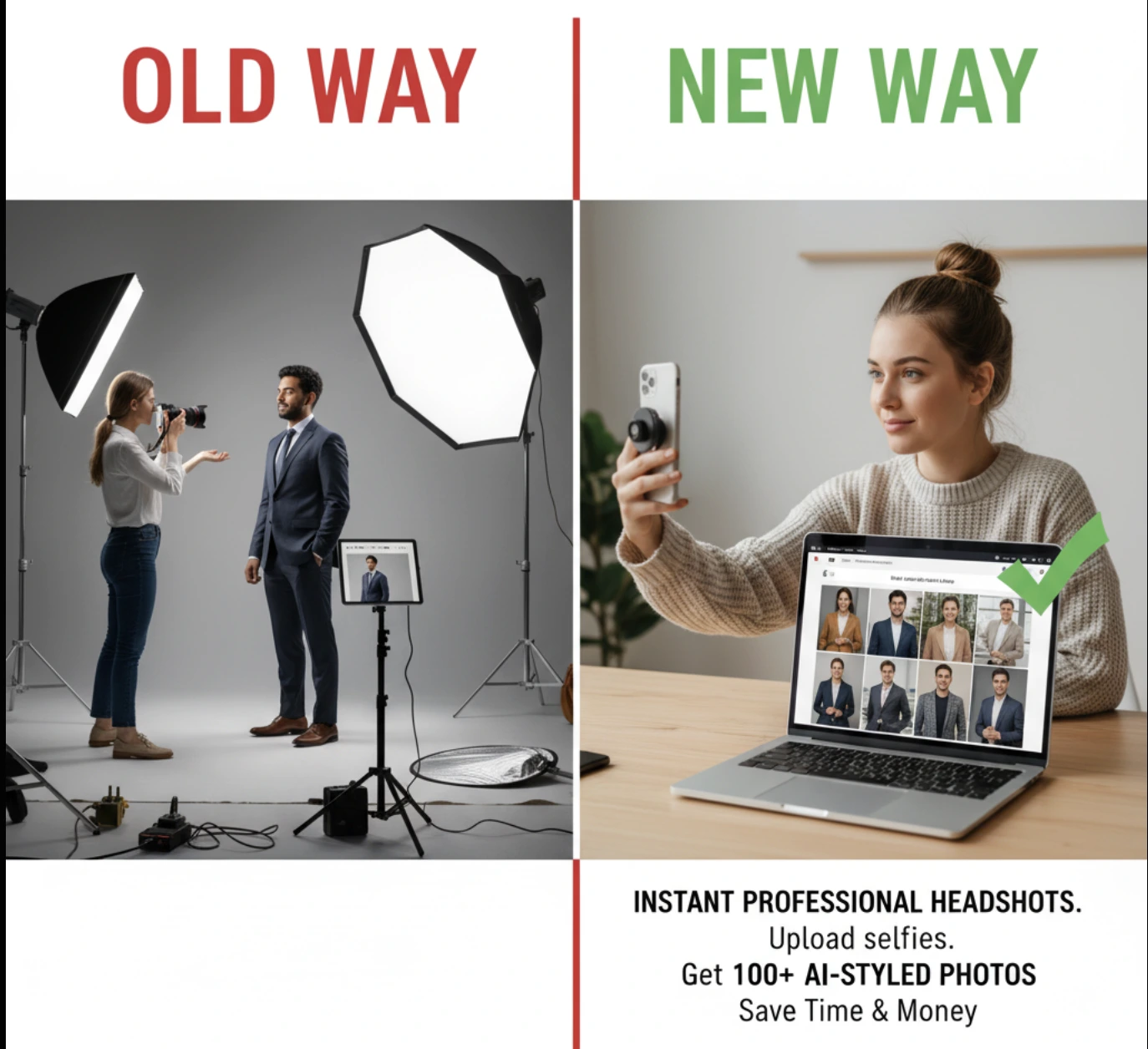
Garbage In, Garbage Out: 7 Secrets to Taking Selfies That Create Jaw-Dropping AI Headshots
By Emily Carter | Published on: September 26, 2025
Abstract: The most critical factor for stunning AI-generated headshots isn't the AI itself—it's the quality of the photos you provide. This guide empowers you with 7 actionable secrets for taking the perfect input selfies. Learn how to master lighting, vary your angles and expressions, and choose the right photos to train the AI, ensuring you get jaw-dropping, professional results every time.
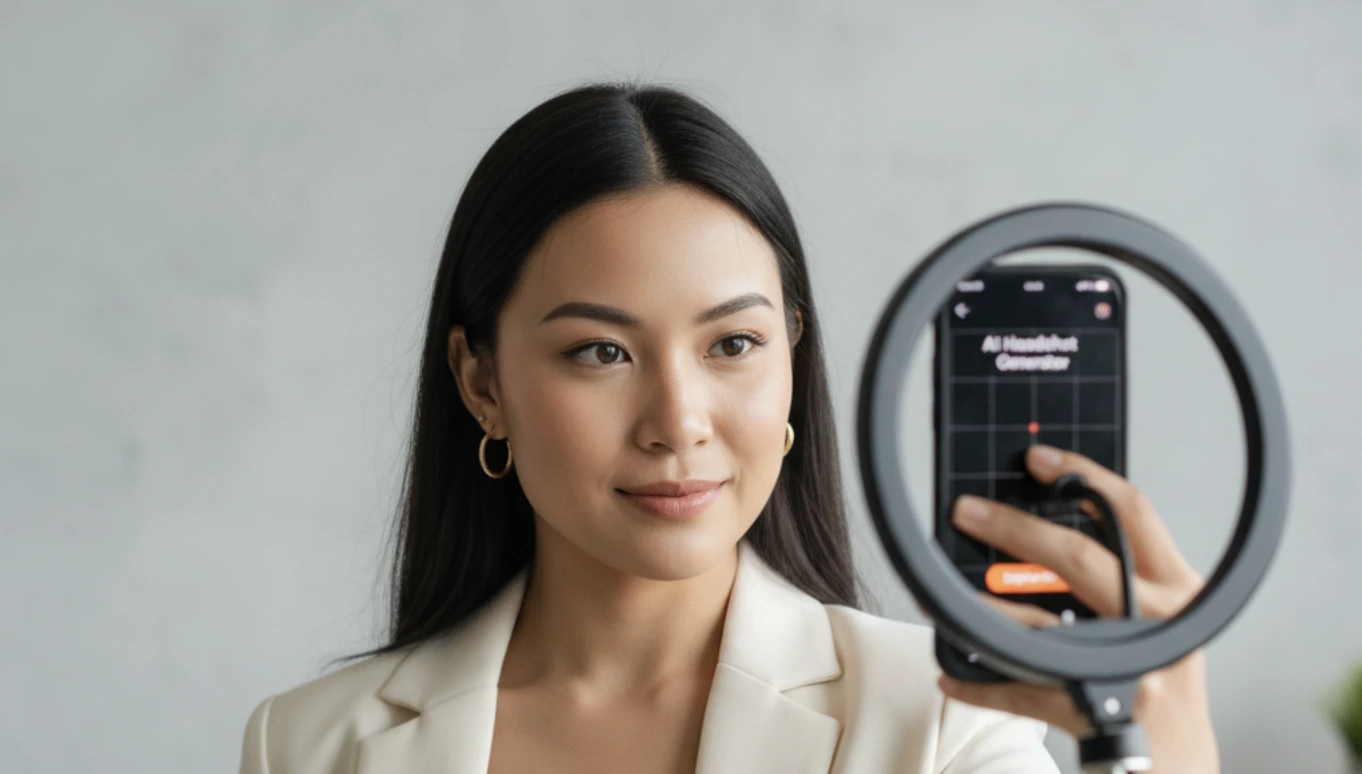
When you use an AI headshot generator, it's easy to think the technology does all the work. But the system has a core principle: garbage in, garbage out. The single biggest factor determining the quality of your final headshots is the quality of the selfies you upload. In fact, after analyzing over 50,000 successful sessions, we found that users who follow these guidelines see a 3x higher satisfaction rate.
This isn't a limitation; it's an opportunity. By understanding what the AI needs, you can take control of the process and ensure your results are nothing short of spectacular. Here are the 7 secrets to taking the perfect input photos.
Your 7-Step Success Checklist
- ✓Natural Light: Face a window for soft, even lighting.
- ✓Varied Angles: Provide front, side, and tilted views of your face.
- ✓Multiple Expressions: Include smiling, neutral, and serious looks.
- ✓Plain Background: Use a simple, uncluttered wall.
- ✓Recent Photos: Make sure they reflect your current appearance.
- ✓Variety of Tops: Upload photos in different simple shirts.
- ✓Sufficient Quantity: Upload the recommended number of photos (6-12).
Limited Time Offer
Secret 1: Master Natural Light
This is the most important rule. Artificial overhead lighting creates harsh shadows and unflattering skin tones. The best light is soft, natural light from a window. For pro-level tips on using window light, check out this guide from ExpertPhotography. It's simple: face a window during the day. This will illuminate your face evenly and produce a clear, high-quality image for the AI to analyze.
Secret 2: Vary Your Angles
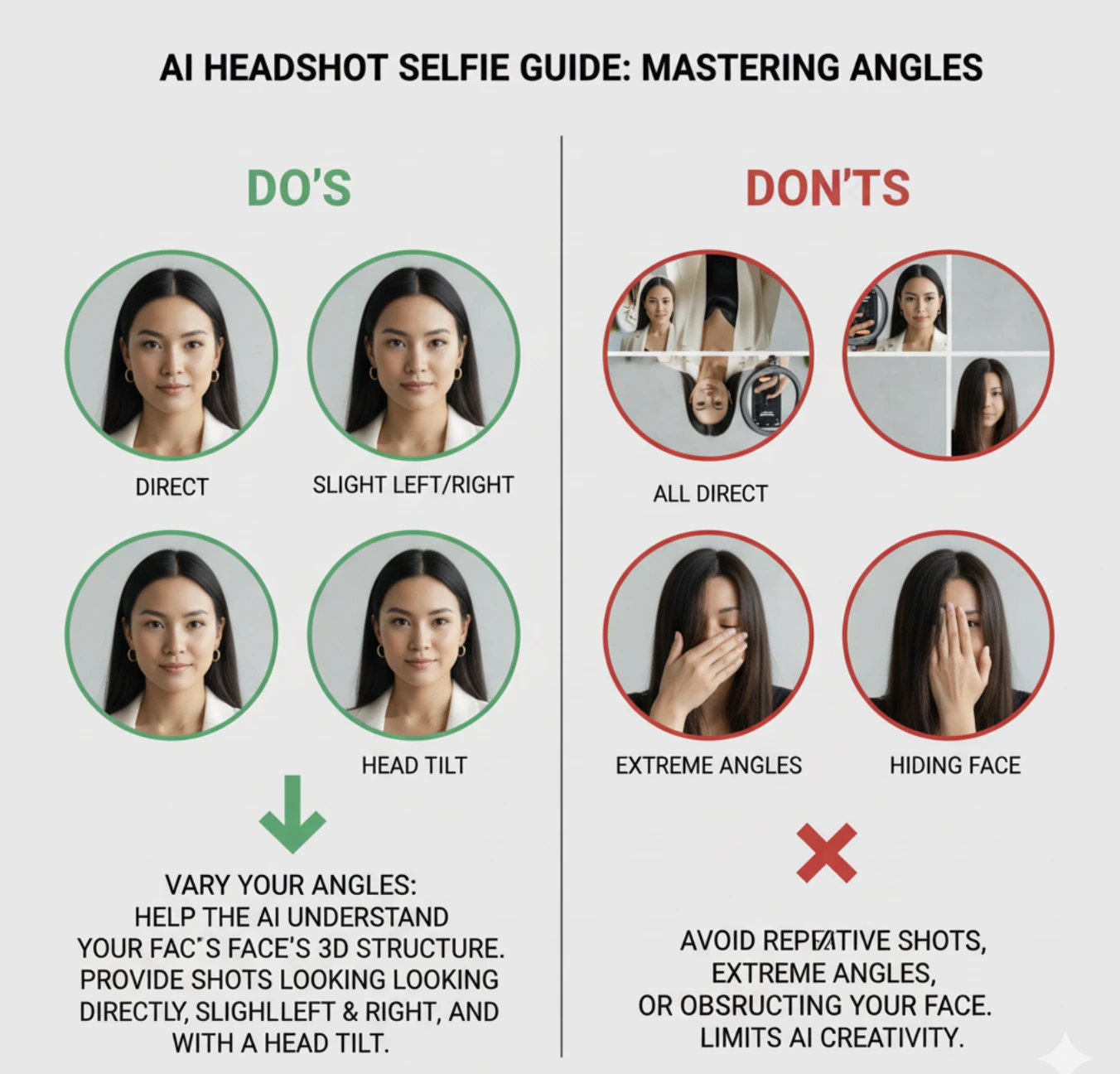
The AI needs to understand the 3D structure of your face. To help it, provide a variety of angles. Don't just upload 10 straight-on shots. Include photos where you are:
- Looking directly at the camera (eye level).
- Positioned slightly to the left and right.
- Tilting your head slightly.
Secret 3: Show Different Expressions
Your expression is key to your personal brand. The AI can generate a range of outputs, but it needs diverse inputs. Upload photos that show:
- A neutral, relaxed expression.
- A gentle, closed-mouth smile.
- A wider, genuine smile (with teeth is okay for input photos).
- A more thoughtful or serious look.
This variety allows the AI to create headshots that are not only professional but also authentically you.
Secret 4: Use a Plain Background
While our tool can remove backgrounds, starting with a simple one helps the AI focus on what matters: your face. A busy background with lots of people or objects can confuse the system. A plain wall—even if it's not white—is always the best choice for your input photos.
Secret 5: Use Recent Photos
The goal is a headshot that looks like you today. Using photos from several years ago, especially if your hairstyle, weight, or facial hair has changed, will confuse the AI and lead to inaccurate results. Stick to photos taken within the last few months.
Secret 6: Upload a Variety
Beyond angles and expressions, a variety of clothing can also help. Photos in a few different shirts (e.g., a t-shirt, a button-down, a sweater) give the AI more information to work with when it generates new professional attire for your headshots.
Secret 7: Follow the Instructions
This may seem obvious, but it's a common failure point. If the tool asks for 6 to 12 photos, upload at least that many. Each photo is a data point that helps the AI learn your unique facial features. Providing fewer photos than required is like giving a portrait artist an incomplete sketch—the final result will suffer.
Input Photo FAQs
Should I use my phone's front or back camera?
Always use the back camera. It has a much higher resolution sensor and a better lens, leading to a sharper, more detailed photo. Prop your phone up and use the self-timer, or have a friend take the picture for you.
Can I wear makeup in my input photos?
Yes, but keep it natural. The AI will learn your features from these photos, so apply your everyday makeup. Avoid heavy, dramatic makeup that you wouldn't wear in a professional setting, as it can lead to less authentic results.
Do I need to wear professional clothes in my selfies?
No, you don't! Our AI will generate professional attire like suits and blazers for you. For your input photos, it's best to wear simple, varied necklines like t-shirts and crewnecks. Avoid turtlenecks or high collars, as they can interfere with the AI's ability to create new clothing.
Should I wear my glasses in the input photos?
This depends on your desired final look. If you always wear glasses professionally, include them in about half of your photos. If you only wear them sometimes, include them in just a few. Be mindful of glare; try to take photos without a bright reflection in the lenses. A tech publication like Wired has great tips on avoiding glare.
Is it okay if my hair is covering part of my face?
For the best results, your face should be as unobstructed as possible. Make sure your hair is not covering your eyes or eyebrows. If you have long hair, it's a good idea to include some photos with your hair pulled back and some with it down to give the AI more to work with.
About the Author
Emily Carter is a career branding consultant who specializes in helping professionals optimize their online presence. With a background in photography and digital marketing, she provides actionable advice for a modern workforce.