Your LinkedIn Profile Picture Is Costing You Interviews. Here’s How to Fix It.
By Emily Carter | Published on: September 24, 2025
Abstract: In the digital job market, your LinkedIn profile picture is your virtual handshake. A poor-quality or unprofessional photo can subconsciously deter recruiters, costing you opportunities. This guide breaks down the essential elements of a killer headshot—professionalism, approachability, and quality—and highlights the common mistakes that sabotage your profile. Learn how to leverage AI to create the perfect, interview-winning headshot in minutes.
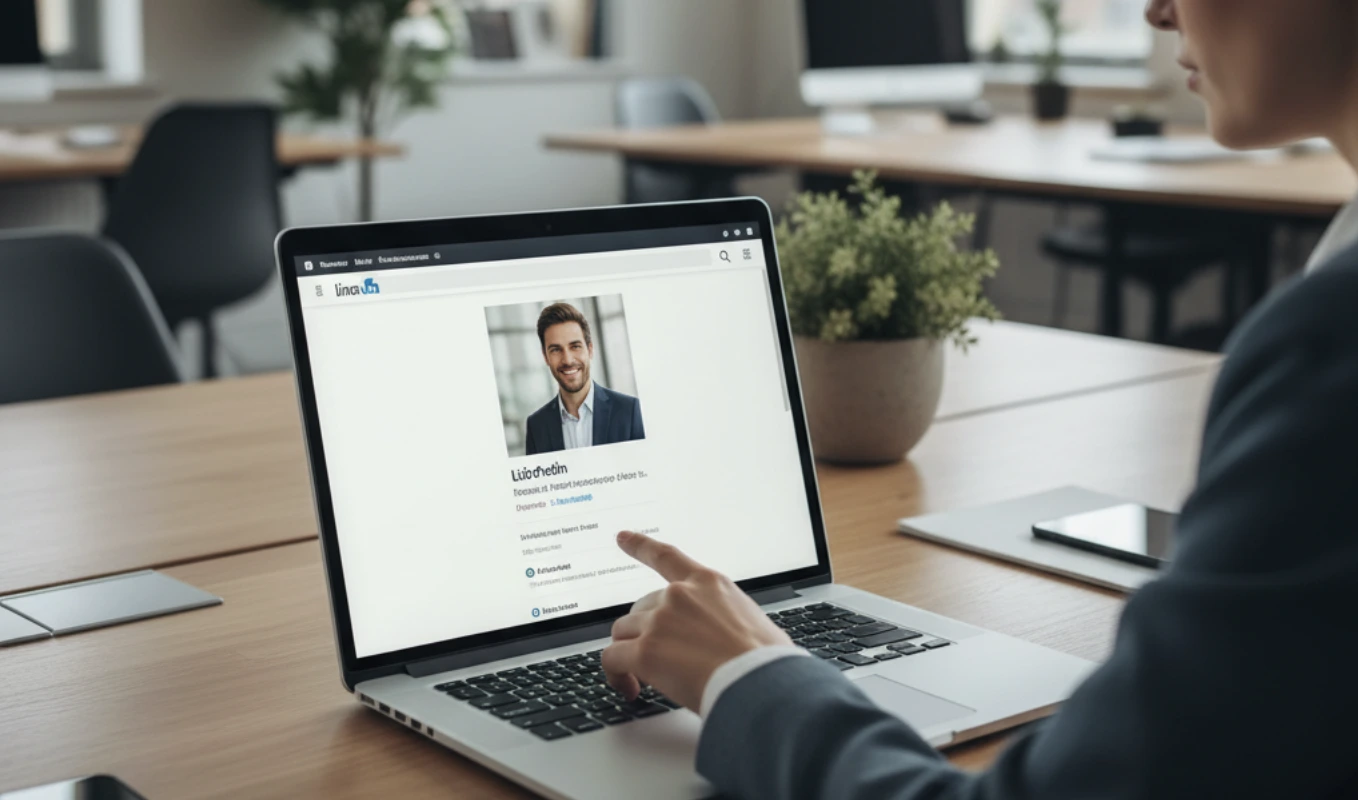
Before a recruiter reads a single word of your resume, they see your face. Your LinkedIn profile picture is your first impression, a critical data point in the split-second decision a hiring manager makes to either click on your profile or scroll past. An unprofessional photo doesn't just look bad; it actively undermines your credibility and can be the silent reason you're not getting the interviews you deserve.
Think of it as the digital equivalent of showing up to an interview in a wrinkled t-shirt. You might be the most qualified person for the job, but the initial impression has already planted a seed of doubt. Let's fix that.
What Makes a Great LinkedIn Headshot?
A successful LinkedIn photo balances three key elements to project the ideal professional image.
- Professionalism: This is the foundation. It means you're wearing appropriate attire for your industry and you're set against a clean, non-distracting background. A solid neutral color or a softly blurred office environment works best.
- Approachability: You want to look like someone people want to work with. A warm, genuine, and confident smile is crucial. Stiff, overly serious photos can make you seem unapproachable.
- High Quality: Your photo must be clear, well-lit, and in sharp focus. A blurry, pixelated, or poorly lit image signals a lack of attention to detail—a red flag for any recruiter.
Common Mistakes to Avoid
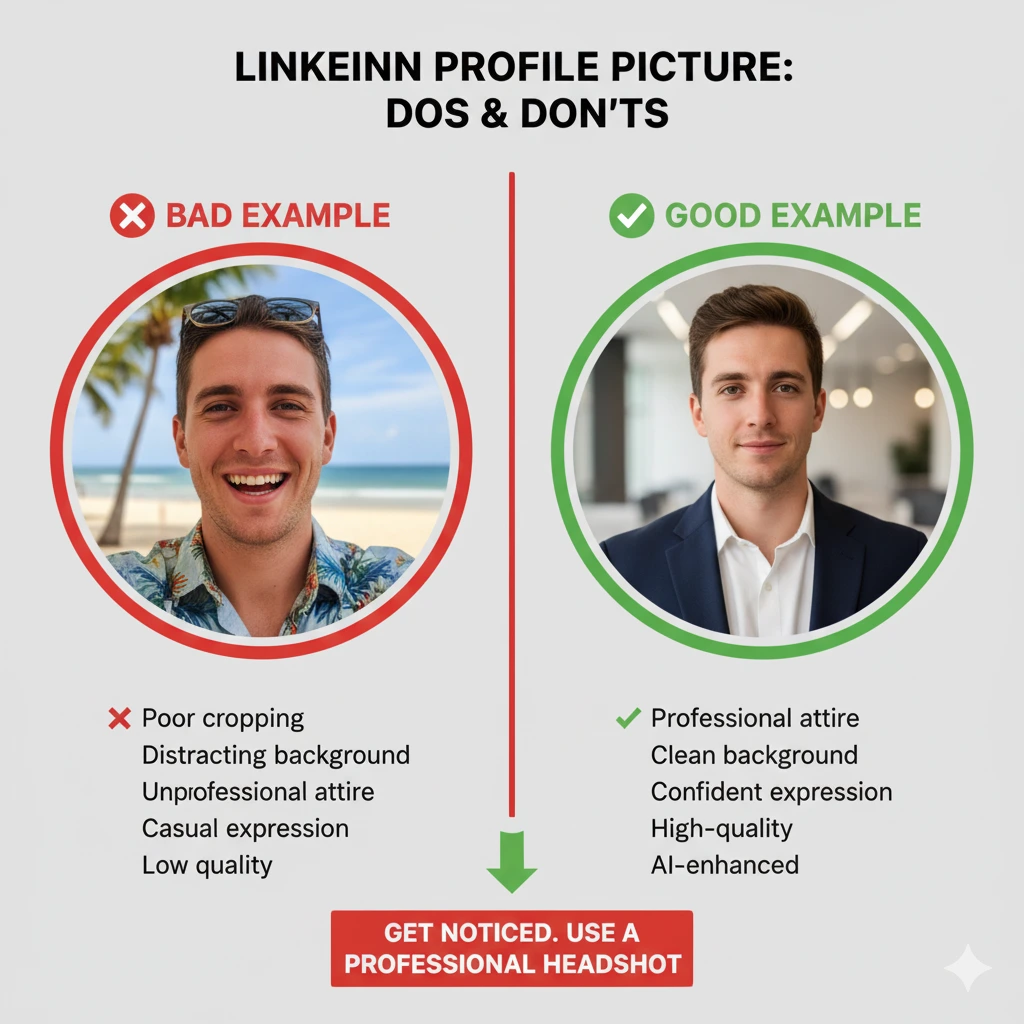
According to LinkedIn's own data, profiles with a photo get up to 21 times more views. But not just any photo will do. Avoid these common traps:
- The Cropped Vacation Photo: Cropping your friend out of a photo from a wedding or a beach trip is obvious and looks unprofessional.
- The Poorly-Lit Selfie: A selfie taken in your car or bathroom often has harsh shadows and a distracting background.
- The "Invisible" Profile: Having no photo at all is the biggest mistake. It makes your profile look incomplete or, even worse, fake.
How to Use AI to Create the Perfect Headshot
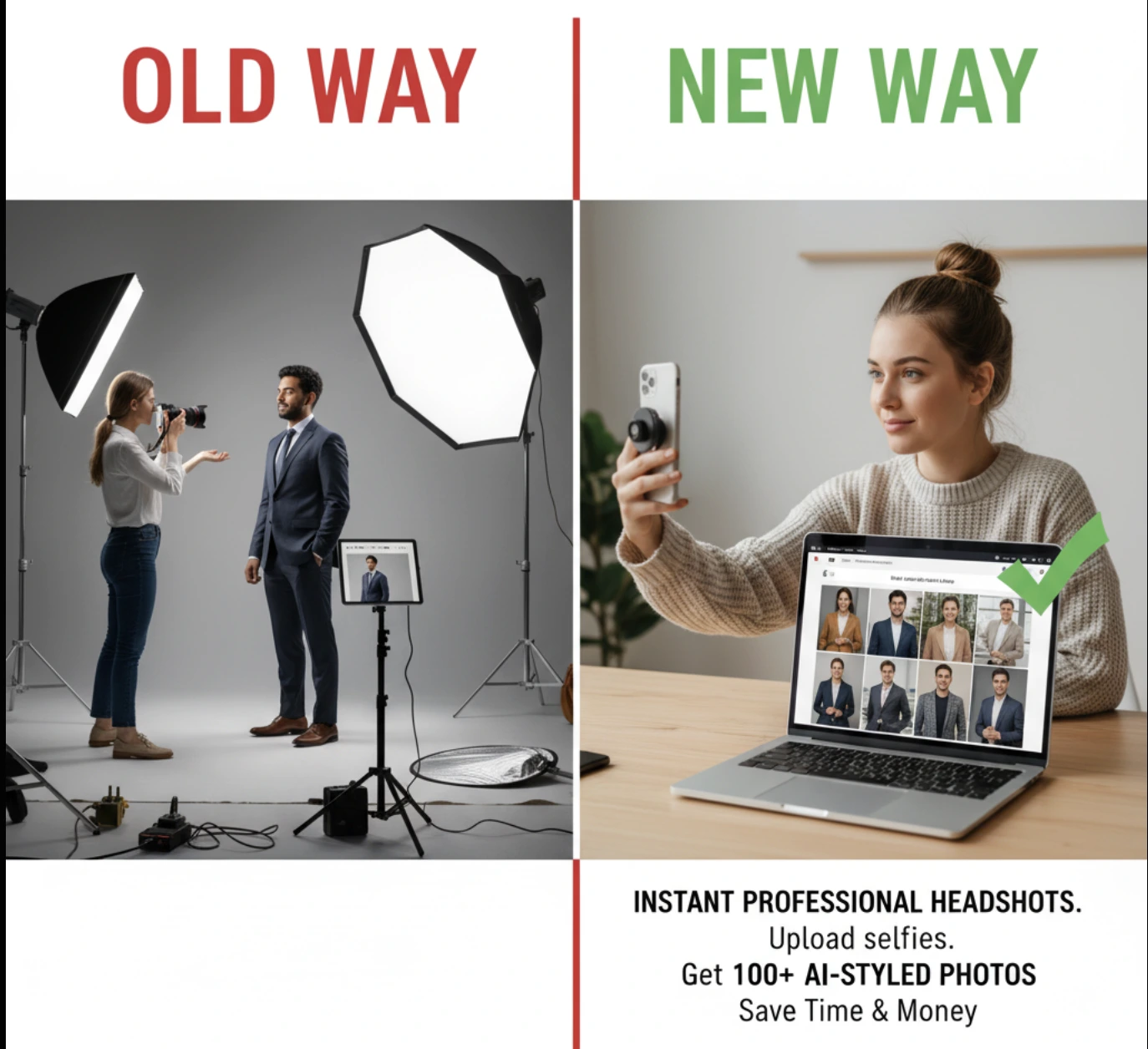
Hiring a photographer can be expensive and time-consuming. An AI headshot generator offers a powerful alternative, giving you control and variety at a fraction of the cost. The process is simple:
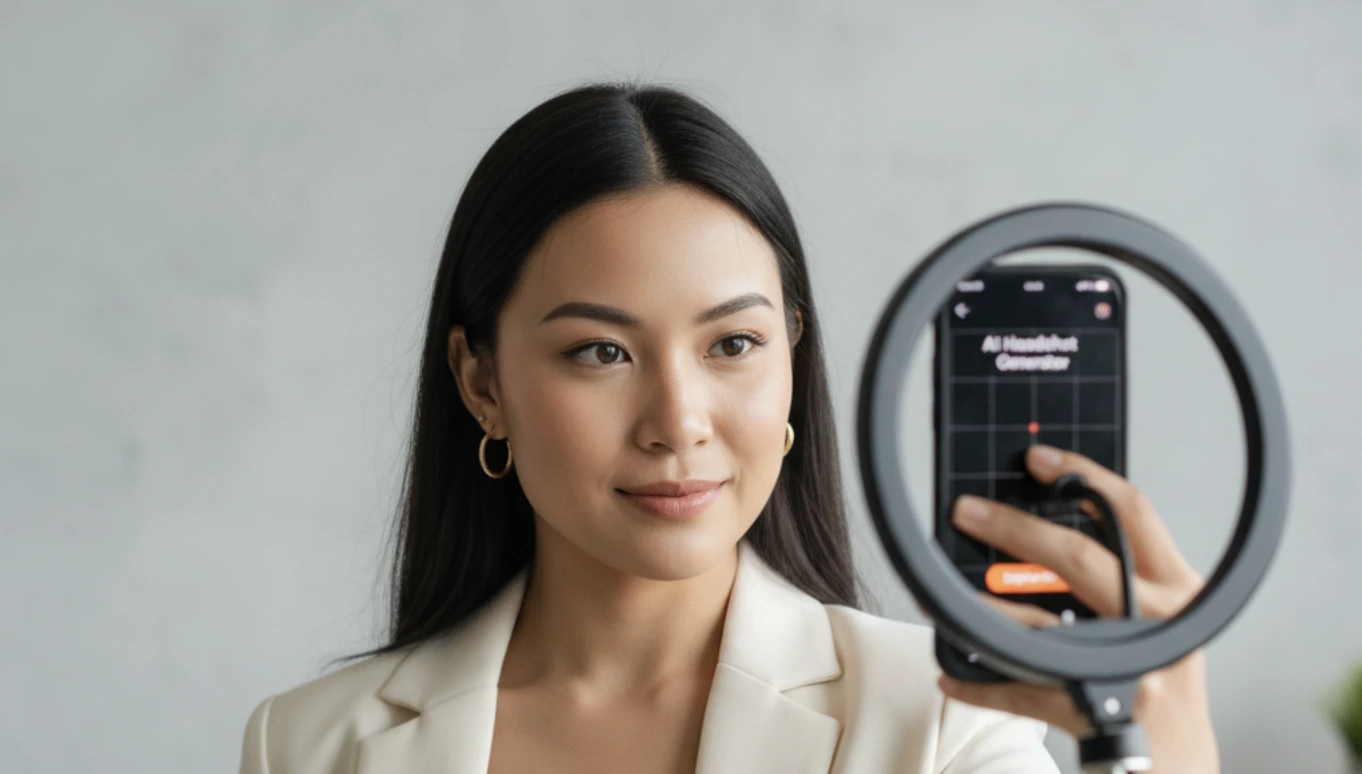
- Upload a Casual Photo: Start with a clear, recent photo of yourself. It doesn't need a perfect background or professional attire.
- Choose Your Style: Select from a range of professional looks, from corporate suits to smart-casual blazers. The AI will seamlessly adapt the clothing to your photo.
- Generate and Select: The tool will generate dozens of high-quality headshot options. You can then review them and choose the one that best captures your unique personal brand and professional identity.
This approach puts you in the director's chair, allowing you to find a photo that you feel genuinely represents you at your professional best.
See the AI Difference: A Real-World Example

Before

After AI
It’s one thing to talk about it, and another to see it. Here’s how our AI can transform a simple, casual photo into a polished, professional headshot ready for your LinkedIn profile. The system improves lighting, replaces the background, and even generates professional attire, all while keeping your unique facial features intact.
Frequently Asked Questions
Should I smile with teeth in my LinkedIn photo?
Yes, a genuine smile showing teeth is often recommended by career experts like those at Forbes. It conveys warmth and approachability. The key is to ensure it's a natural, confident smile, not a forced one.
What is the best background for a LinkedIn headshot?
A simple, non-distracting background is best. Solid, neutral colors like gray, navy, or white are safe and professional choices. A softly blurred office background can also work well, but you should avoid busy or outdoor settings.
How often should I update my LinkedIn photo?
A good rule of thumb is to update your photo every 1-2 years, or anytime your appearance changes significantly (e.g., new hairstyle, glasses, etc.). The goal is for people who meet you in person to recognize you instantly from your photo.
What should I wear for a LinkedIn photo?
Dress as you would for an interview in your target industry. For corporate roles, a blazer or suit jacket is appropriate. For more creative fields, a smart blouse or button-down shirt is fine. Solid colors are generally better than busy patterns. The most important thing is to look professional and polished.
What is the correct LinkedIn photo size?
LinkedIn recommends a profile picture size of at least 400 x 400 pixels, and it will be displayed as a circle. Our tool automatically formats your headshot to be a high-resolution square, so it will look crisp and clear when uploaded.
Is a selfie okay for a LinkedIn profile picture?
Generally, no. Selfies often have poor lighting, distracting backgrounds, and lens distortion that can look unprofessional. While a very high-quality selfie against a plain wall is better than nothing, using an AI tool to transform it into a professional headshot is a much safer and more effective option.